
Download StuffIt Expander – Free File Extractor for Windows, Mac, Android & iOS
StuffIt Expander brings the trusted Mac file extraction experience to Windows users. If you frequently receive compressed files in various formats like ZIP, RAR, TAR, GZ, and more, this free tool simplifies your workflow. Unlike many competitors, StuffIt Expander supports a broad range of archive types without requiring additional plugins.
It’s lightweight, fast, and secure, making it ideal for everyday file extraction tasks. Whether you're a student, professional, or casual user, this reliable software ensures you can open and extract files quickly and safely. No need to install multiple tools—StuffIt Expander handles it all in one place.
Available for Windows, Mac, Android, and iOS, it’s the ultimate cross-platform solution for expanding compressed files.
Key Features of StuffIt Expander
StuffIt Expander stands out in the crowded field of file extraction tools thanks to its robust feature set. One of the most impressive aspects is its multi-format support. While many tools only handle ZIP and RAR, StuffIt Expander can extract files from over 50 different archive types, including less common formats like ACE, ISO, UUE, and LHA.
This versatility means you’ll rarely need another tool for extraction, saving time and reducing software clutter. The interface is refreshingly simple—designed for speed and ease of use. With just a few clicks, you can extract single files or entire folders with customizable destination paths.
The software runs in the background efficiently, consuming minimal system resources, which is perfect for older machines or multitasking environments.
Another major advantage is security and reliability. StuffIt Expander includes built-in virus scanning integration, ensuring that extracted files are checked for threats before access. This is especially valuable when dealing with files from unknown sources.
The tool also maintains file integrity during extraction, preventing corruption even with large or damaged archives. For users who frequently work with compressed data, the ability to drag-and-drop files directly into the application window is a game-changer. It eliminates the need to navigate through file menus.
Plus, the software automatically detects archive types, so you don’t have to guess which tool to use. Whether you’re unzipping a project folder, unpacking a software installer, or opening a research dataset, StuffIt Expander delivers consistent performance across all scenarios.
For those who value cross-device compatibility, StuffIt Expander offers native support across platforms. You can use it on Windows 10/11, macOS, Android, and iOS. This ensures a seamless experience whether you're working from your desktop, laptop, tablet, or smartphone.
The mobile versions are optimized for touch and offer intuitive controls. With regular updates, the developers continue to improve compatibility with emerging archive formats and security protocols. The free version is fully functional for extraction, and upgrading to StuffIt Deluxe unlocks advanced compression tools, encryption, and batch processing—ideal for power users.
How to Install and Use StuffIt Expander
Getting started with StuffIt Expander is straightforward and requires minimal technical knowledge. First, visit the official website and download the appropriate version for your operating system—Windows, Mac, Android, or iOS. The installation process is quick and guided, with clear on-screen instructions.
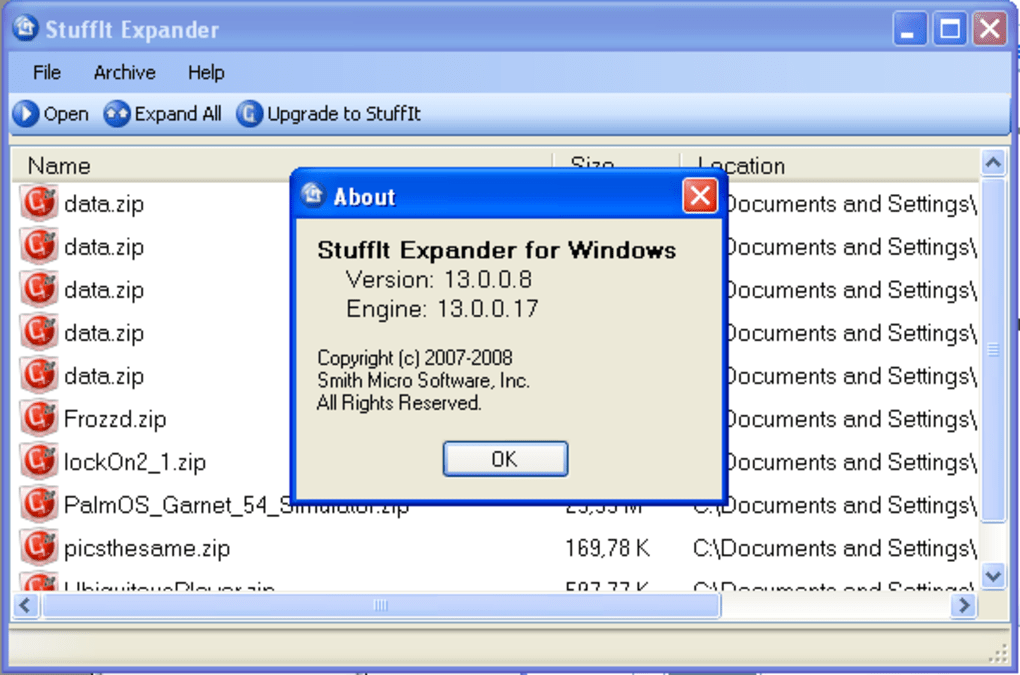
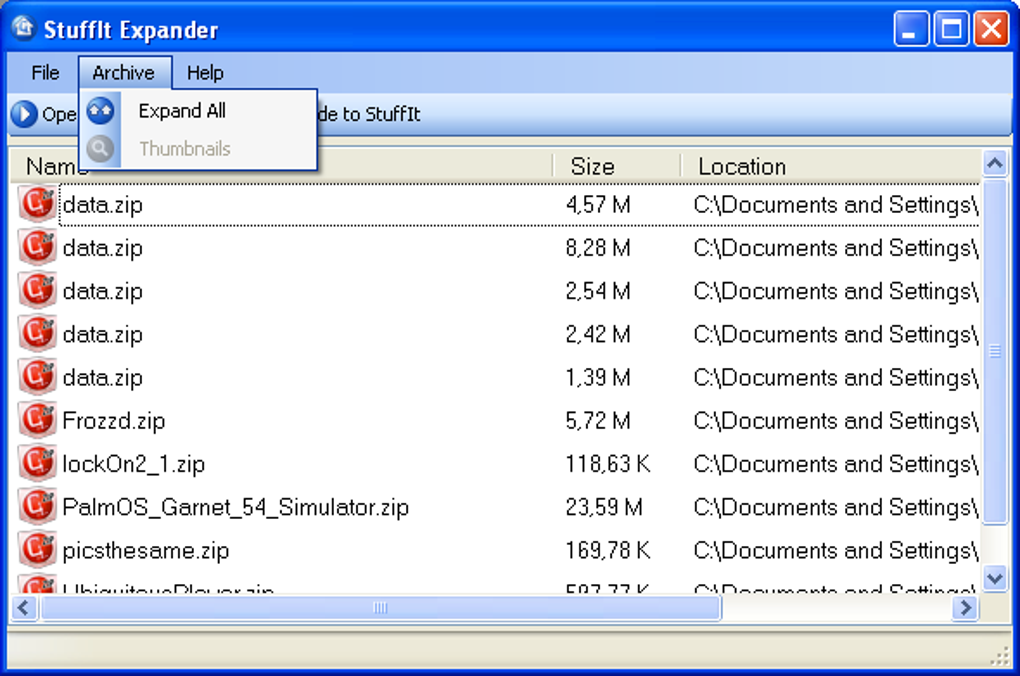
On Windows, you’ll run the .exe installer, which typically takes less than a minute. The setup includes a choice between standard and custom installation; for most users, the default option is sufficient. Once installed, the app launches automatically, presenting a clean, minimalist interface with a prominent “Open Archive” button.
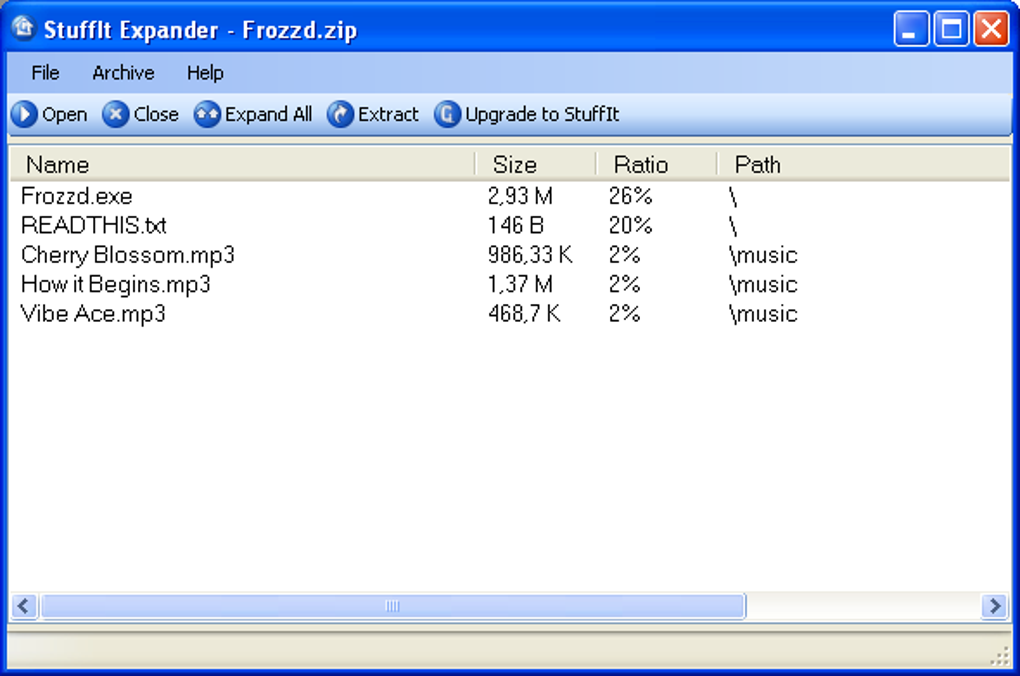
To extract a file, simply drag and drop the compressed file (ZIP, RAR, TAR, etc.) into the app window. Alternatively, click the “Open” button and browse to your archive. The software instantly detects the format and displays a preview of the contents.
You can then select individual files or entire folders for extraction. Choose your destination folder—this can be a new location or the same directory as the original file. The extraction process begins immediately and is completed in seconds, even for large archives.
For frequent users, the app remembers your preferred settings, so you don’t have to reconfigure them every time.
For advanced users, StuffIt Expander supports command-line operations and batch extraction via scripts. This is useful for IT administrators or developers managing large volumes of compressed data. The software also integrates with your system’s context menu, allowing you to right-click any archive and select “Extract with StuffIt Expander.” This shortcut significantly speeds up daily workflows.
After extraction, the app can automatically open the destination folder, ensuring you can access your files immediately. All actions are logged in a simple history panel, which helps track past extractions. Overall, the user experience is intuitive, efficient, and designed for both beginners and experienced users.
Compatibility and System Requirements
StuffIt Expander is engineered for broad compatibility across modern operating systems. It runs smoothly on Windows 10 and Windows 11 (32-bit and 64-bit), making it accessible to the vast majority of PC users. For Mac users, the software supports macOS 10.14 (Mojave) and later, including Apple Silicon (M1/M2) Macs, ensuring optimal performance on newer hardware. On mobile platforms, the Android version is compatible with devices running Android 6.0 and above, while the iOS version works on iPhone and iPad with iOS 12 and later. This cross-platform availability makes it a versatile choice for users who switch between devices.
System requirements are modest, reflecting the app’s lightweight design. On Windows, you’ll need at least 500 MB of free disk space and 1 GB of RAM. The app is optimized for low CPU usage, so it won’t slow down your system during extraction.
On macOS, the minimum requirement is 1 GB of RAM and 300 MB of free space. Mobile versions are optimized for touch and require minimal storage, making them ideal for on-the-go use. The software does not require admin rights for installation, which is beneficial in corporate or school environments where user permissions are restricted.
Additionally, StuffIt Expander supports integration with cloud storage services like Google Drive, Dropbox, and OneDrive. This allows you to extract files directly from the cloud without downloading them first, saving bandwidth and time. The app also works with external drives and network folders, ensuring flexibility in file management. Regular updates ensure compatibility with new archive formats and security patches, keeping your system protected. Whether you’re using a desktop, laptop, tablet, or smartphone, StuffIt Expander adapts seamlessly to your workflow.
Pros and Cons of StuffIt Expander
- Pros:
- Supports over 50 archive formats, including RAR, TAR, GZ, ACE, and ISO
- Lightweight, fast, and resource-efficient
- Free to download and use for extraction only
- Secure with built-in virus scanning and file integrity checks
- Available on Windows, Mac, Android, and iOS
- Simple drag-and-drop interface with intuitive navigation
- Integrates with system context menu and cloud storage
- Cons:
- Does not support file compression (only expansion)
- Advanced features require upgrade to StuffIt Deluxe
- Mobile versions have limited functionality compared to desktop
- Occasional delays in detecting rare archive types
- No built-in file preview for some formats
Frequently Asked Questions (FAQ)
Is StuffIt Expander free to use?
Yes, the basic version of StuffIt Expander is completely free. It allows you to extract files from a wide range of archive formats without any cost. However, if you need compression tools, encryption, or batch processing, you’ll need to upgrade to StuffIt Deluxe.
Can I use StuffIt Expander on my iPhone or Android device?
Absolutely. StuffIt Expander is available for both iOS and Android. The mobile apps offer a streamlined interface optimized for touch, allowing you to extract compressed files on the go.
Does StuffIt Expander support RAR and ZIP files?
Yes, it fully supports both RAR and ZIP files, along with many other formats like TAR, GZ, ISO, ACE, and more. It’s one of the few tools that can handle such a wide variety of archive types without additional plugins.
Can I extract files from cloud storage using StuffIt Expander?
Yes, the app integrates with cloud services like Google Drive, Dropbox, and OneDrive. You can extract files directly from your cloud storage without downloading them first, saving time and bandwidth.
Is StuffIt Expander safe to download and install?
Yes, StuffIt Expander is a secure and trusted software. It’s regularly updated for security patches and includes virus scanning integration to protect your system from malicious files during extraction.
Conclusion: Why You Should Download StuffIt Expander Today
If you’re tired of juggling multiple tools to handle different archive formats, StuffIt Expander is the solution you’ve been waiting for. Its ability to extract files from over 50 formats—without the need for additional plugins—makes it a must-have for anyone who works with compressed data. The free version is fully functional for extraction, offering speed, security, and cross-platform support. Whether you’re on Windows, Mac, Android, or iOS, you can trust this tool to deliver consistent results.
While it doesn’t support compression, the core functionality is so well-executed that most users won’t miss it. For those who do, the upgrade path to StuffIt Deluxe is clear and affordable. With a clean interface, minimal system impact, and regular updates, StuffIt Expander is a reliable, future-proof choice.
Ready to simplify your file extraction? Download StuffIt Expander today and experience seamless, secure, and fast archive handling across all your devices.







